How to Pack a TV Safely for Moving
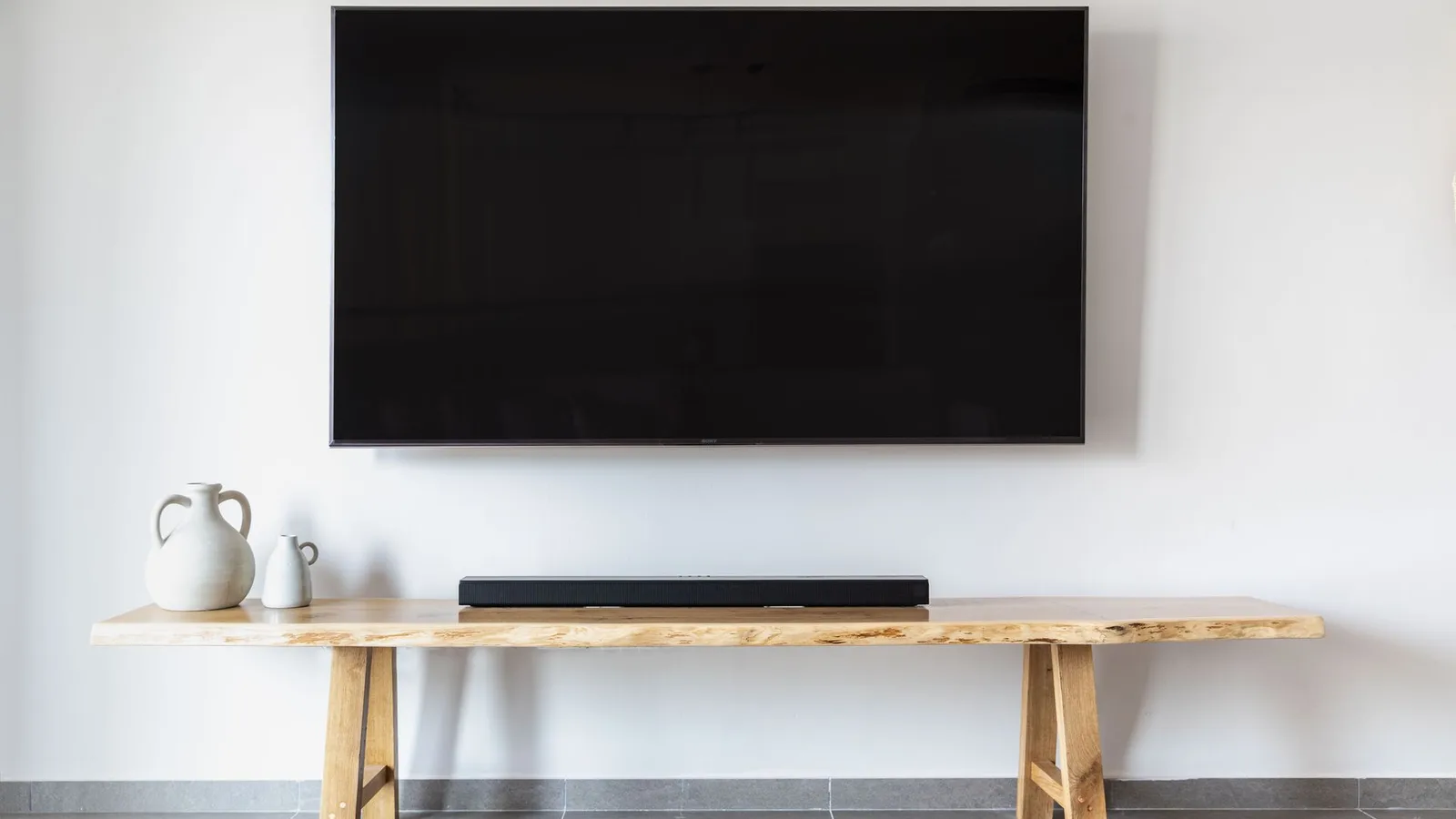
A modern flat-screen TV is one of the easiest things in a home to break on moving day. The panel is thin glass held in a light frame, it is wide enough to catch on every door frame, and the damage often is not visible until you plug it in at the new place and see a cracked or blotchy picture.
The good news is that TV damage almost always comes from a few predictable causes: pressure on the screen, laying it flat, twisting the frame, and letting it slide around in the truck. Here is how to avoid all four.
The three rules that matter most
TV manufacturers give the same core advice in their manuals. LG's owner's manuals, for example, say to move the TV in its original box or packing material if possible, to disconnect the power cord and all cables first, to use at least two people for a large TV, and to keep it upright while transporting it, never turned on its side or tilted left or right. They also warn against pressure that flexes or bends the frame, and against touching the screen at all (LG owner's manual).
In plain terms:
- Never put pressure on the screen. Do not lean anything against it, stack anything on it, or press tape onto the glass.
- Keep it upright. A flat-screen should travel standing on its bottom edge, the way it sits on a stand.
- Do not let the frame twist. Carry it with one person at each end, holding the frame, not the screen.
Always check your own model's manual too, since handling instructions vary between brands and sizes.
Before you take it down
- Photograph the back of the TV with all the cables plugged in. This makes reconnecting the soundbar, game console and streaming box much faster.
- Unplug everything, then label each cable with masking tape (for example "HDMI 2: console").
- Bag the small parts. Put the stand screws, wall-mount bolts and any spacers in a zip-top bag and tape it to the back of the TV or to the stand. Without them, you may not be able to set the TV up on the first night.
- Take the batteries out of the remotes and pack the remotes with the cables.
Removing the stand or wall mount
If the TV sits on a stand, follow your manual. Samsung's setup guide, for example, has you lay most TVs screen-down on a blanket-covered table to attach the stand, while TVs of 75 inches or larger stay in the bottom of the box for that step (Samsung). Removing a stand is the same process in reverse, so check your model's guide before you lay a big screen down at all, and only ever lay it on a soft, flat, clean surface.
For a wall-mounted TV, two people should lift it off the bracket together. Decide ahead of time whether the bracket goes with you. If you are renting, remember that the wall holes may need patching before your move-out inspection.
If you still have the original box
This is the best option. The foam inserts are shaped to hold the corners and keep the screen away from the box walls.
- Slip the TV into the plastic bag or foam sheet it originally came in, or cover the screen with a clean, soft blanket.
- Fit the foam corners, then lower the TV into the box with one person on each side.
- Add the stand and accessories in their own compartment, or on the back side of the TV, never against the screen.
- Tape the box shut and mark it "FRAGILE: TV" with arrows showing which way is up.
If you no longer have the box
You have two reasonable choices: buy an adjustable TV moving box from a moving supply store, or build protection from what you have.
With a TV moving box: these usually come in two telescoping pieces with foam corners. Size the box to your screen, follow the same steps as above, and fill any gaps with crumpled packing paper so the TV cannot shift.
Without a box:
- Lay a thick moving blanket or duvet on the floor and stand the TV on its bottom edge in the middle of it.
- Cover the screen with a soft cloth first (a clean bedsheet works), so nothing rough touches the glass.
- Wrap the blanket around the whole TV and secure it with stretch wrap or tape on the blanket only. Tape should never touch the screen or the frame.
- Cut a sheet of rigid cardboard slightly larger than the screen and tape it over the front, on top of the blanket. This spreads out any knock instead of concentrating it on one spot.
- Add cardboard or foam pads over the corners, which take most of the hits in doorways.
Carrying it out
Clear the path before you lift: prop doors open, move rugs and shoes, and book the elevator if you are in a condo or apartment. Carry the TV upright, with the screen facing away from your bodies and both of you holding the frame. On stairs, the person below takes the bottom edge and the person above guides the top. Go slowly and call out turns.
Loading the truck
Where the TV goes matters as much as how it is wrapped.
- Stand it upright, on its bottom edge, never flat on the floor of the truck and never on top of other boxes.
- Sandwich it between flat, heavy items, such as a mattress against one side and a dresser back or headboard against the other, so it cannot tip or slide.
- Strap it in place. Tie it to the truck wall with a strap or rope across the padded box, not tight enough to flex the frame.
- Keep it away from anything with sharp corners or legs that could poke through the wrapping on a bump.
If you are moving a smaller TV in a car, the same rule applies: upright, wedged and padded, not lying flat across the back seat.
At the new place
Unpack the TV in the room where it will live, and keep it upright the whole time. If it has spent hours in a cold vehicle or storage unit, a sensible precaution is to let it sit at room temperature for a while before plugging it in, so any condensation can dry. LG's manuals note that a TV that is cold to the touch may flicker briefly when first turned on, and that this is normal (LG owner's manual).
Reattach the stand or bracket using the bagged screws, then reconnect cables using the photo you took.
Not taking the old TV with you?
A move is a good time to get rid of an older set. In BC, televisions are covered by the provincial Return-It Electronics program, and you can drop them off free of charge at designated collection sites. TVs with smashed screens are handled differently and can only go to specific sites, so check before you go (Return-It Electronics). If the TV still works, Return-It encourages giving, selling or trading it for reuse first.
TV packing checklist
- Photo of the cable connections taken
- All cables unplugged, labelled and bagged with the remotes
- Stand screws and mount bolts bagged and taped to the TV or stand
- Screen covered with a soft cloth, nothing taped to the glass or frame
- Original box, TV moving box, or blanket plus rigid cardboard front
- Corners padded
- Box marked "FRAGILE: TV" with "this way up" arrows
- Carried upright by two people, holding the frame
- Loaded upright, wedged between flat items and strapped
Want a hand on moving day?
If you would rather not carry a 65-inch screen down three flights yourself, In & Out Express does residential moves across the Lower Mainland and Fraser Valley with a two-person crew and a 26 ft truck. See our services or request a move. For more packing help, read our guide to packing a kitchen without breaking anything, and if your move falls on a wet day, see moving in the rain.
Sources: LG Electronics, LED TV owner's manual (LH54 series) and LED TV owner's manual (UF69/UF77 series), "Lifting and moving the TV"; Samsung, Set up your Samsung TV; Return-It, Electronics Recycling Program FAQs (all accessed October 27, 2026).